01 / CAPTURE
Move at the speed of thought
Grab the exact region you need and return to your work immediately.
Capture, annotate, and share polished screenshots in seconds — with a focused workflow that stays out of your way.
Download on the Mac App Store ↗Built for macOS · Designed for precision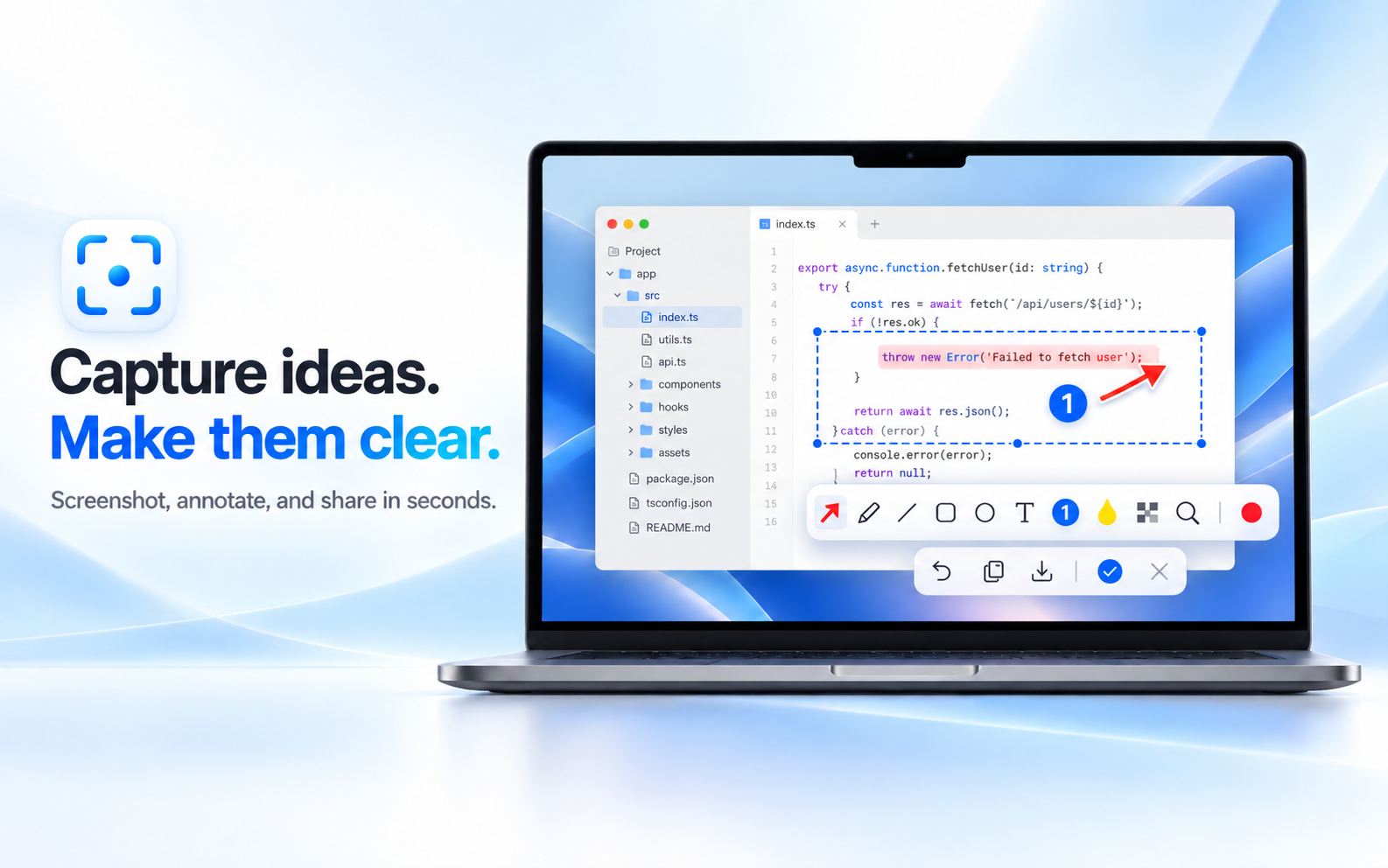
iSnap turns a raw screenshot into a useful explanation with a small, consistent toolkit made for the Mac.
Grab the exact region you need and return to your work immediately.
Point, label, highlight, conceal, and clarify without a cluttered editor.
Save a clean, readable result or send it directly into your next action.
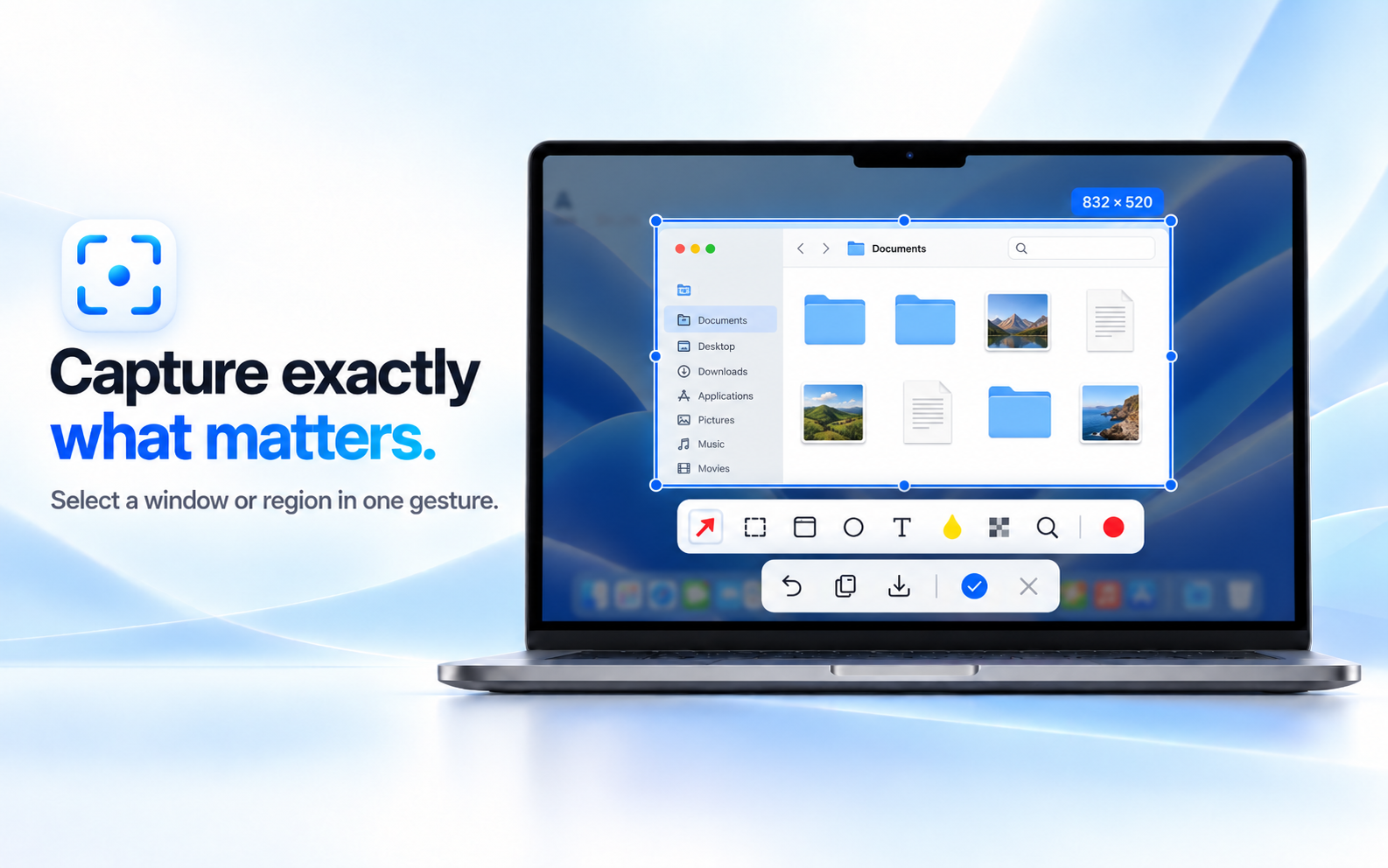
One lightweight panel keeps your most-used actions close at hand, so the tool feels immediate instead of interruptive.

Use clear arrows, shapes, text, numbering, magnification, and mosaic to guide attention exactly where it belongs.
iSnap is a local Mac utility. Your captures and annotations stay on your computer unless you choose to save or share them.
No account required.
No login, subscription, advertising SDK, or cloud workspace.
No hidden upload.
iSnap does not send your screenshots or annotation history to a remote service.
Questions?
support@enopio.ai
Contact us about setup, accessibility, feedback, or privacy.